Accessibility
The puzzle should be the hard part.
Detail | Logic supports several iOS accessibility features and includes additional options to make the puzzles easier to see and interact with.
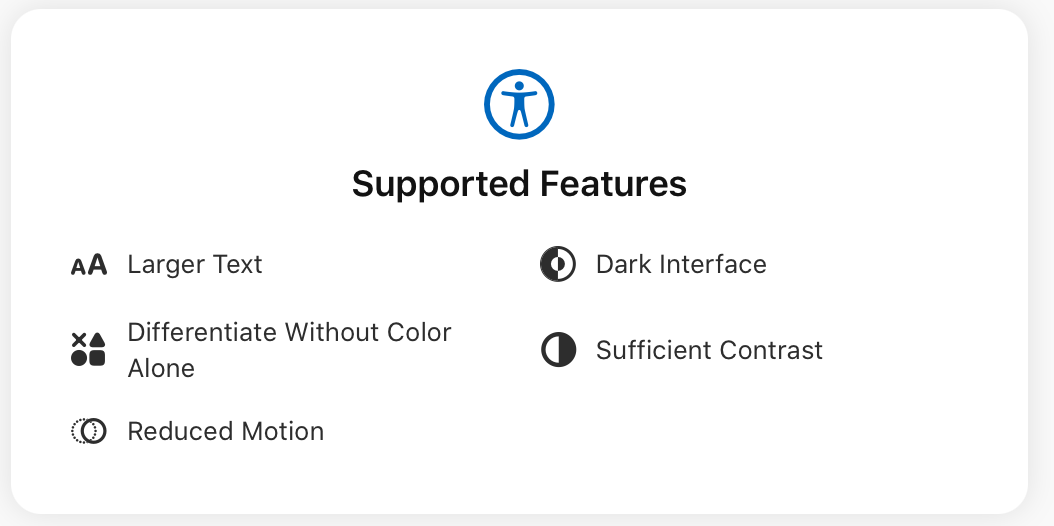
Works with Apple's accessibility settings
Detail | Logic responds to your device's accessibility preferences. You don't need to configure these separately in the app.
Larger Text
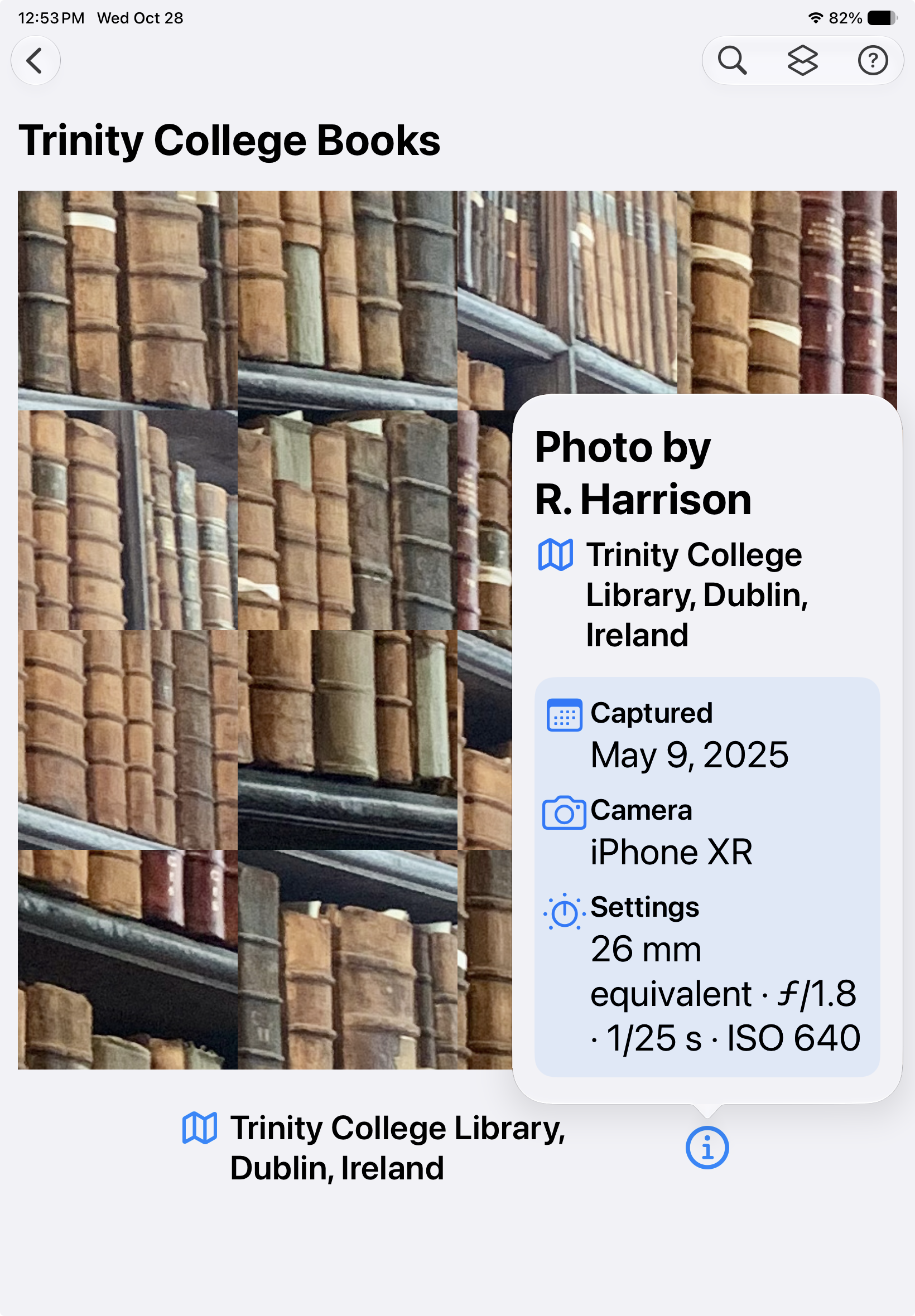
Supports Dynamic Type, including the extended accessibility text sizes. Puzzle titles, locations, menus and photo information adapt to larger text.
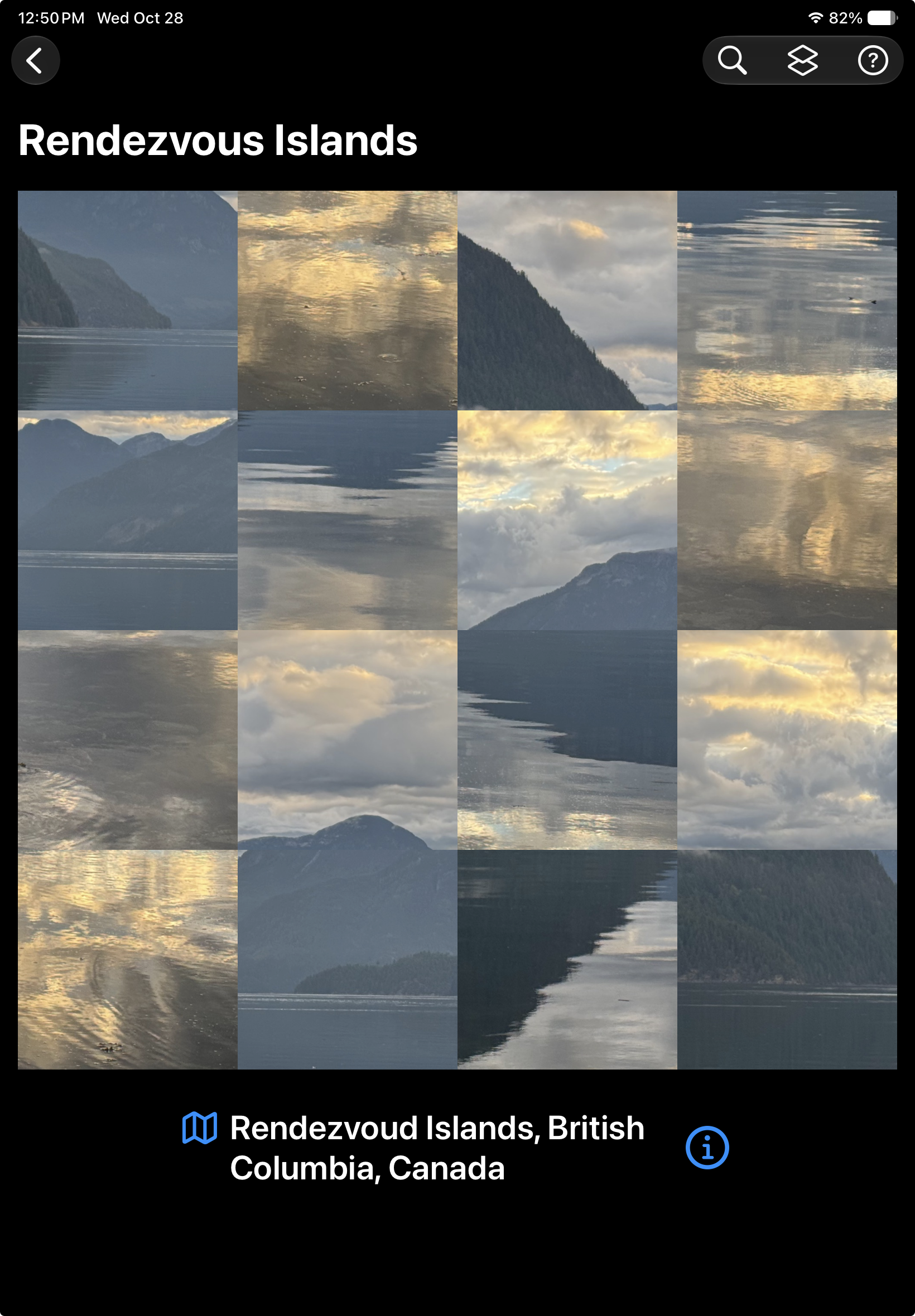
Differentiate Without Colour Alone
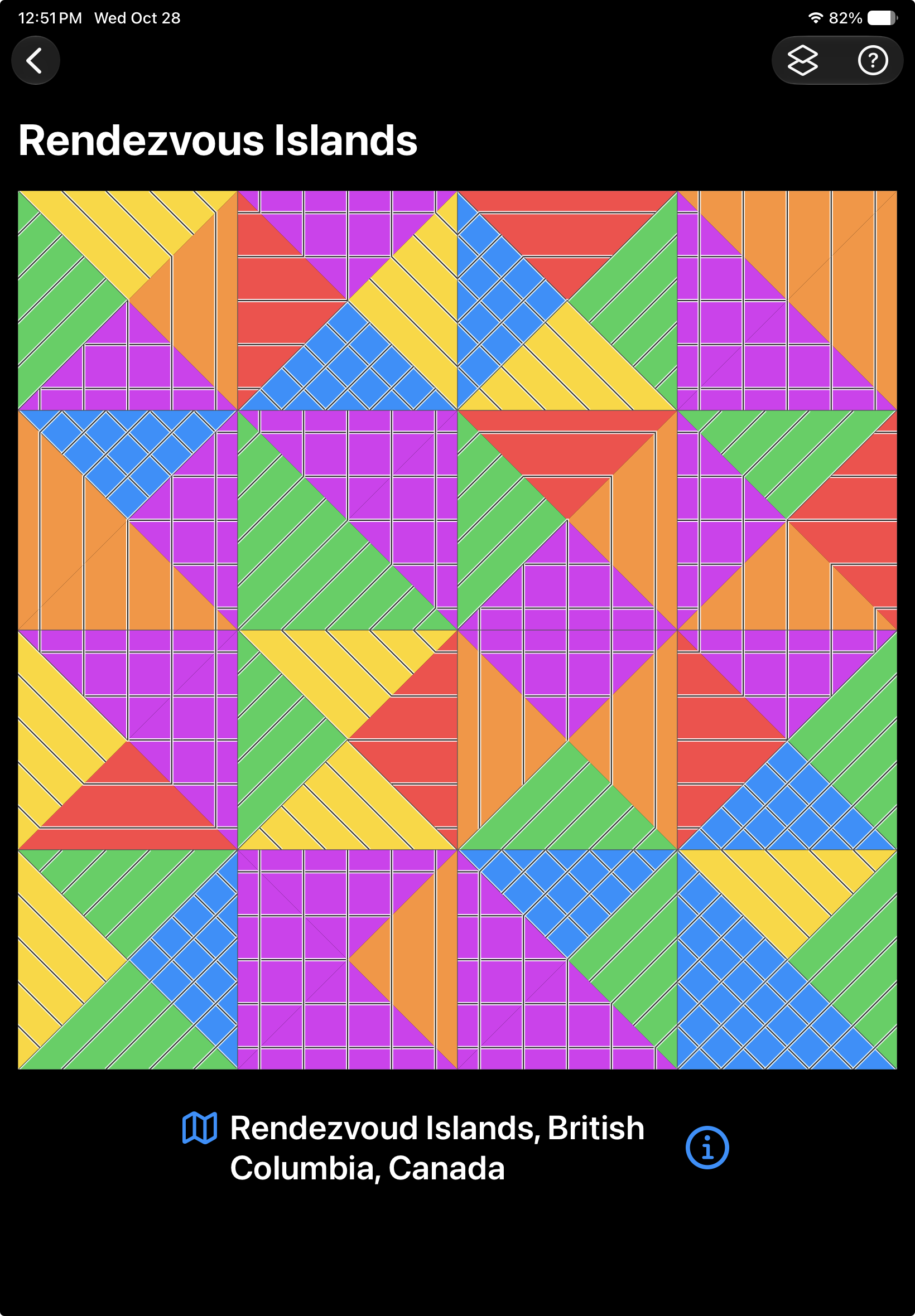
When this iOS setting is enabled, Logic tiles display distinctive patterns in addition to their colours.
Matching edges can be identified by their patterns rather than colour alone. The puzzle rules remain unchanged.
Reduced Motion
Respects the iOS Reduce Motion setting to minimize unnecessary animation.
Light and Dark Appearance
Follows your device's appearance setting. Both light and dark interfaces are supported throughout the app.
Sufficient Contrast
Text, controls and other interface elements are designed with sufficient contrast in both appearances.
Additional features
Zoom up to 400%
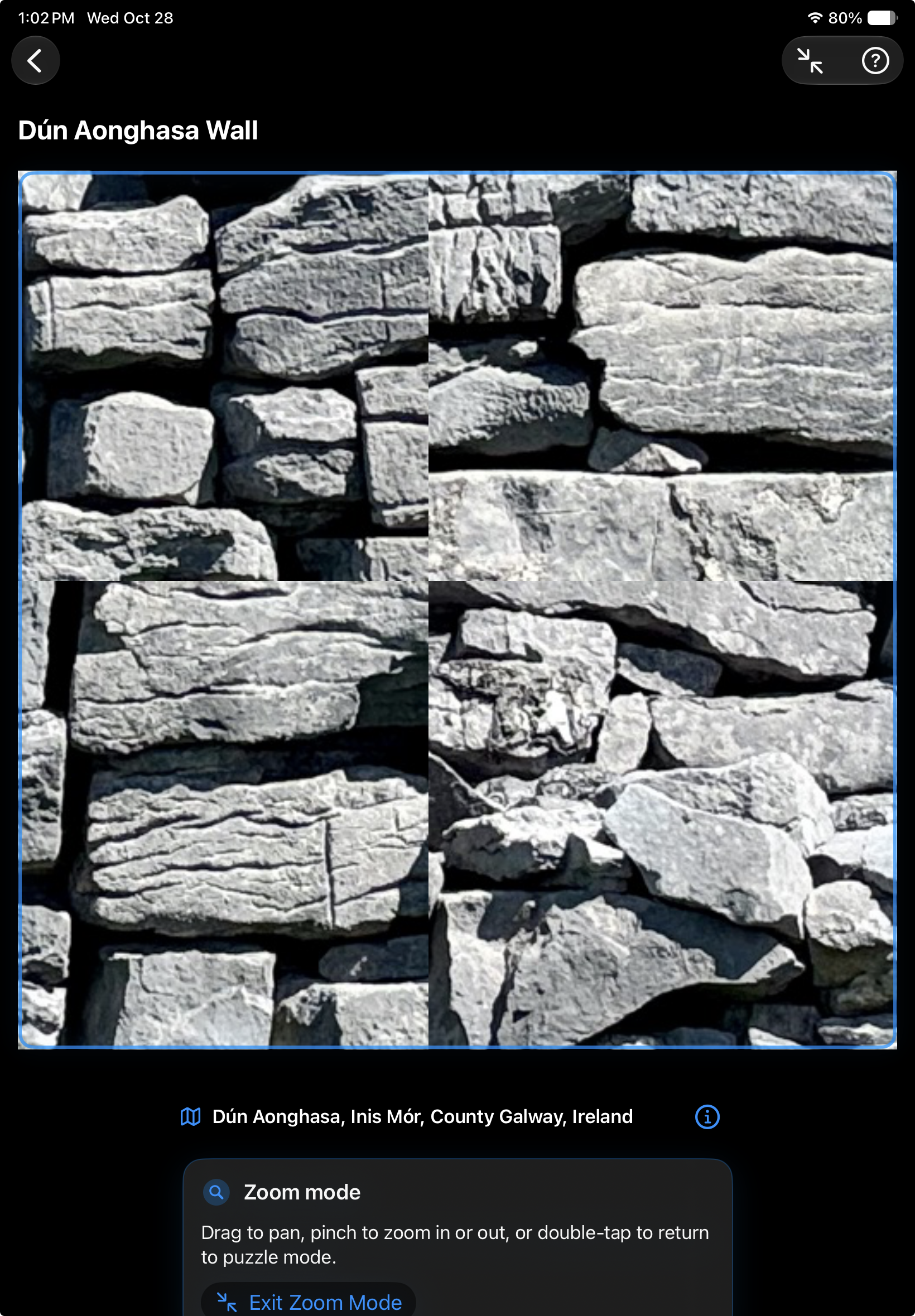
Need a closer look at that suspiciously familiar patch of rock?
The built-in Zoom Mode lets you magnify the puzzle up to 400%. Pinch to adjust magnification, drag to pan around the image, and return to the normal puzzle when you're ready.
Portrait and Landscape
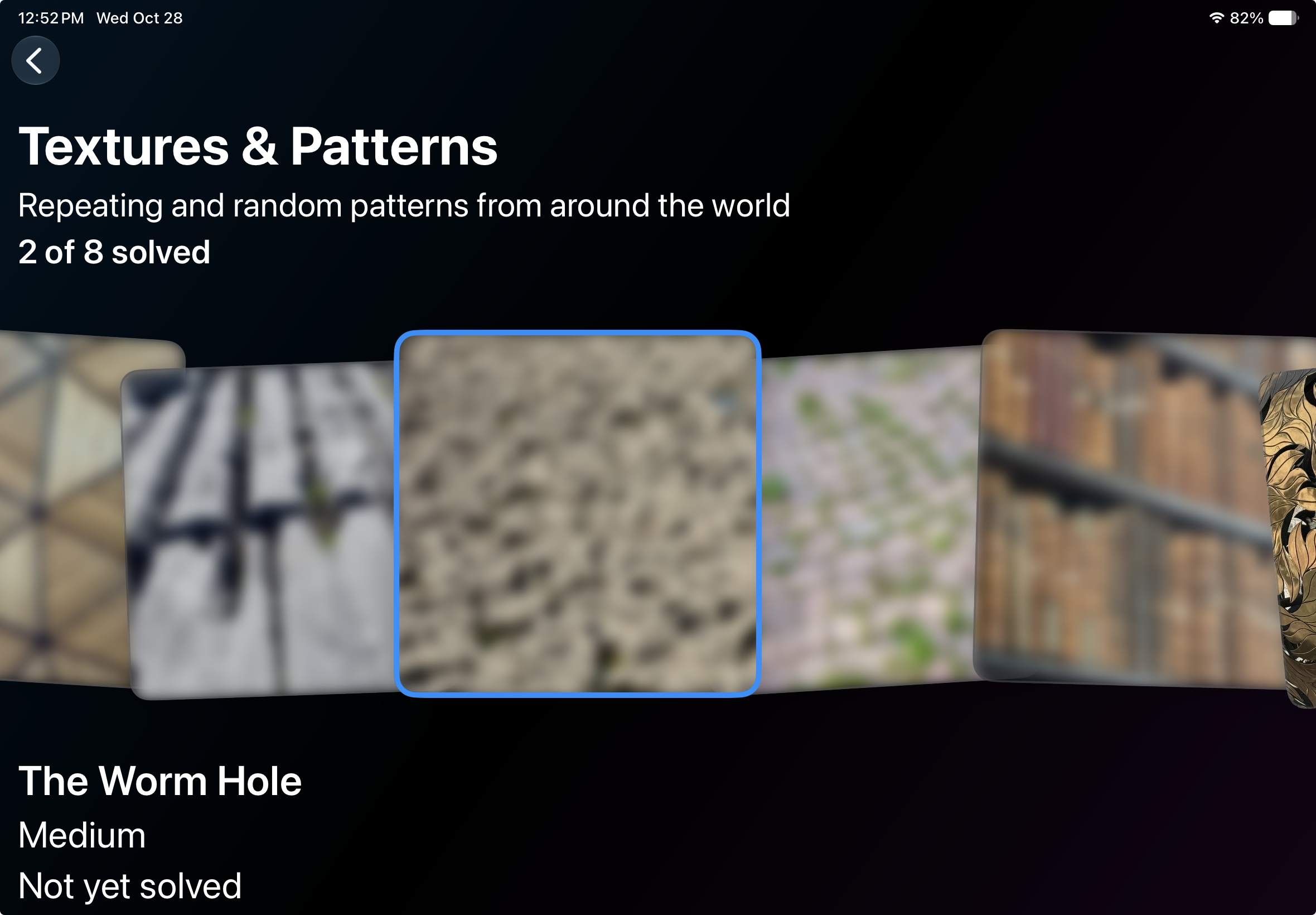
Detail | Logic supports both portrait and landscape orientations on iPad. The layout adapts to the available screen space.
Accessibility limitations and feedback
Detail | Logic is fundamentally a visual puzzle. While patterns provide an alternative to colour-based clues, identifying photographic details is still part of the challenge.
I'm continuing to improve accessibility. If you encounter an interface problem or have a suggestion, I'd like to hear about it.